Digital Transformation and CAD Tools in the Construction Industry

Application of ZWCAD in Construction Design: Expert Insights and Comparison with AutoCAD

In recent years, the construction industry has rapidly adopted digital solutions across every stage of project delivery—from planning and design to execution and facility management. CAD (Computer-Aided Design) platforms play a pivotal role in this process, enabling fast, precise, and standardized creation of construction documentation.

While AutoCAD has been the industry standard for decades, an increasing number of firms are exploring alternatives that offer a similar level of professional functionality but at a significantly lower cost and with more flexible licensing. In this context, ZWCAD stands out as a robust CAD platform, fully compatible with DWG files and recognized for its optimal balance of price and performance.

CAD Tools
in the Construction Industry

What is ZWCAD and Why Are Construction Firms Adopting It?

ZWCAD is a modern 2D/3D CAD application developed by ZWSOFT, with a focus on seamless support for DWG/DXF file formats and an easy transition from AutoCAD environments. Designed for professionals in construction, architecture, engineering, and interior design, ZWCAD delivers both reliability and flexibility.

Key Features:

  • Full DWG/DXF compatibility (no data loss or conversion needed)

  • Support for smart tools and custom extensions (tool palettes, LISP routines)

  • Multi-user collaboration capabilities

  • Localized technical support and regional customization

  • Flexible licensing (both perpetual and subscription options)

For construction companies, the main advantages include:

  • Fast and efficient creation of project and construction documentation

  • Easy adaptation to company-specific templates and standards

  • Minimal learning curve for teams familiar with AutoCAD

  • Lower total cost of ownership (TCO) over the lifecycle

Practical Application of ZWCAD in Construction Design

Design Plan Creation:

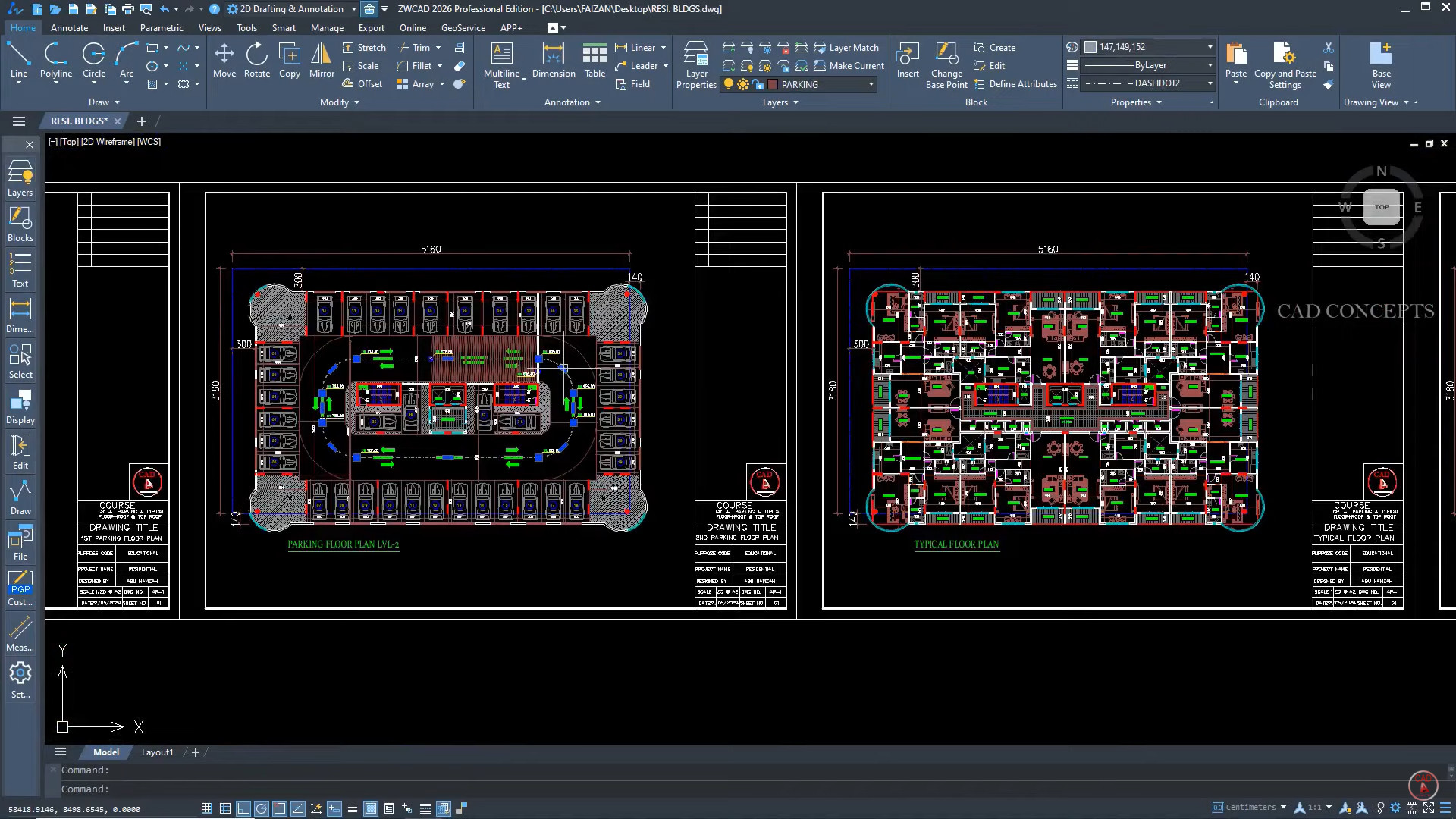
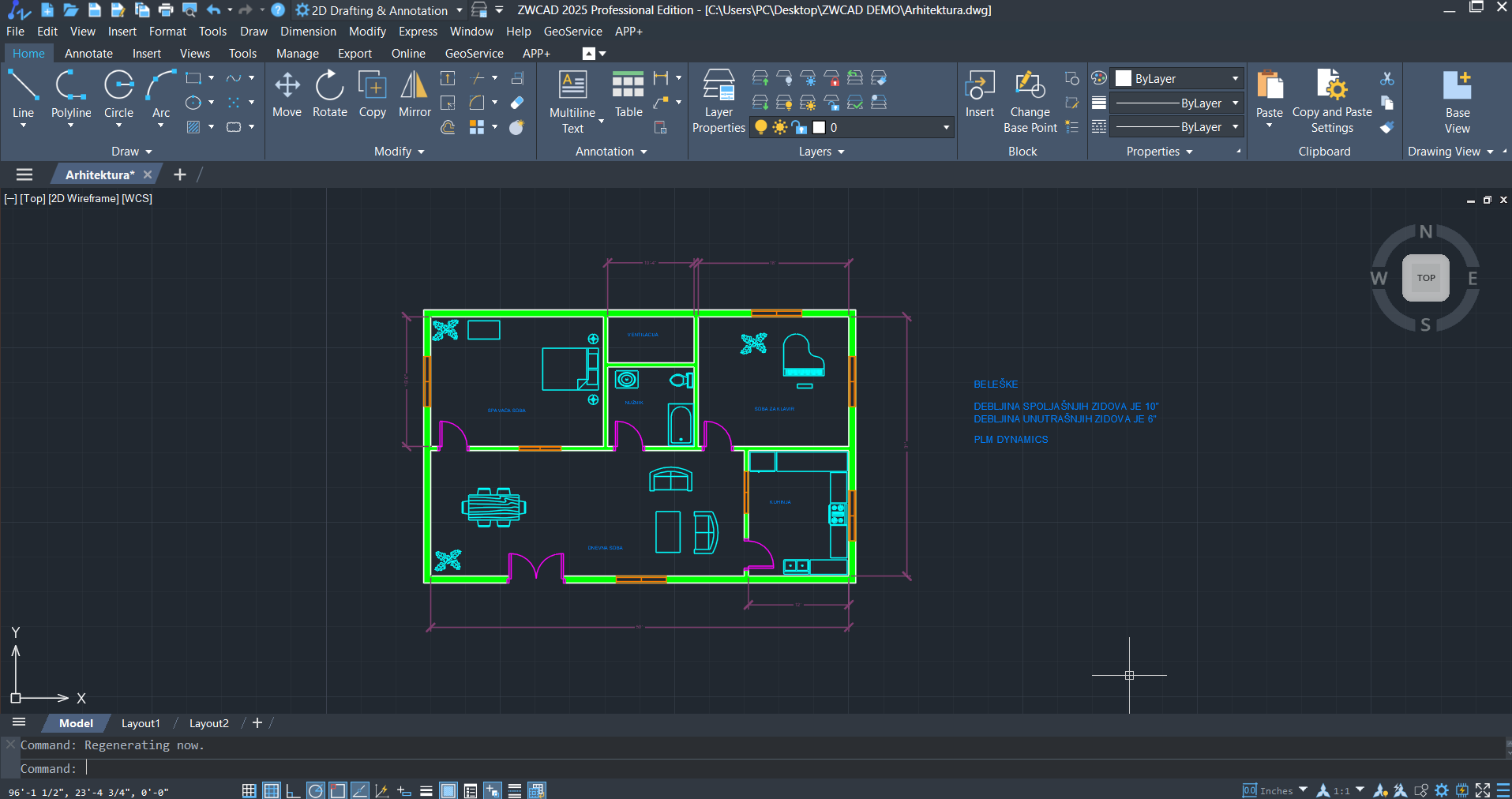
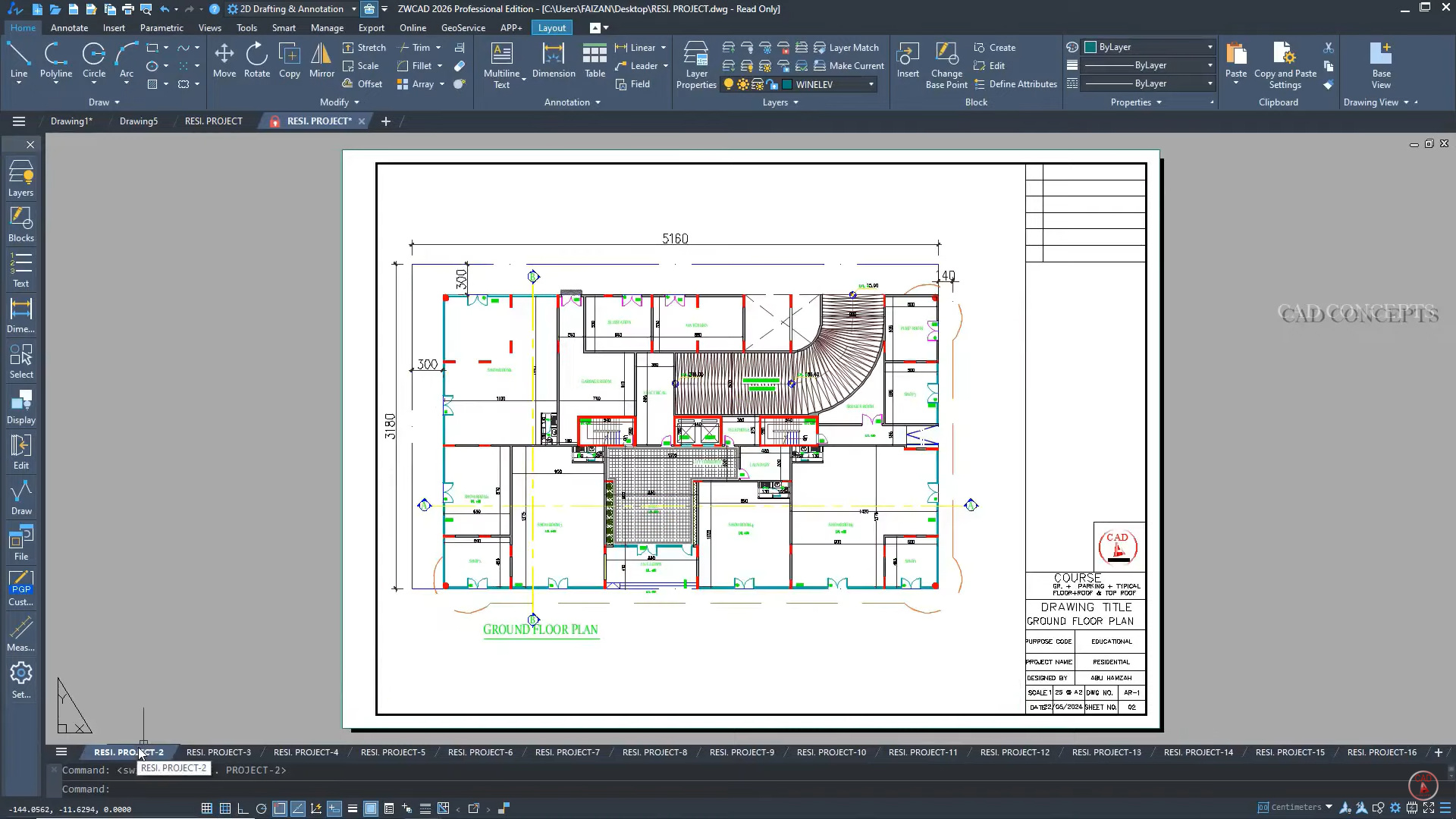
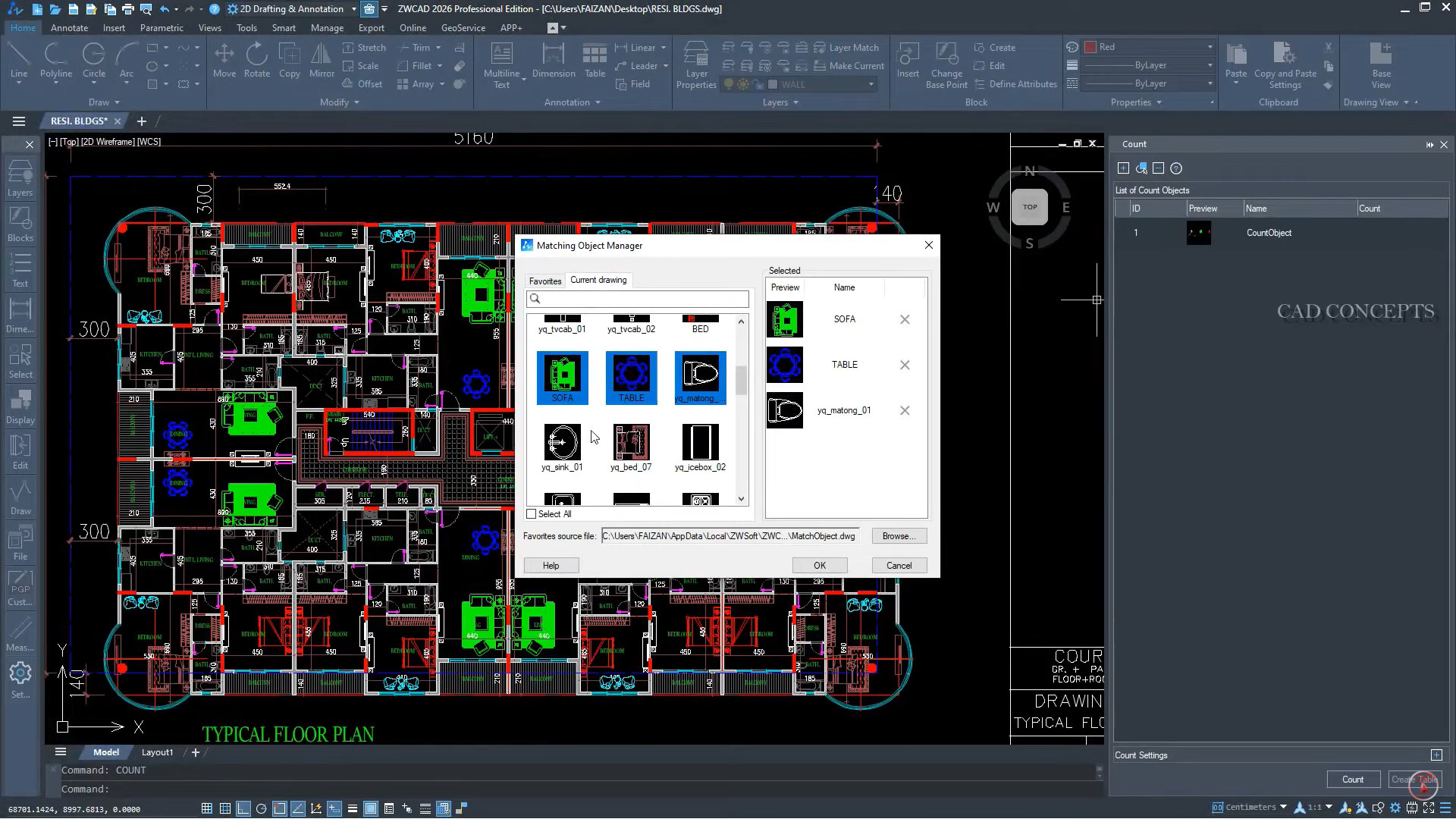
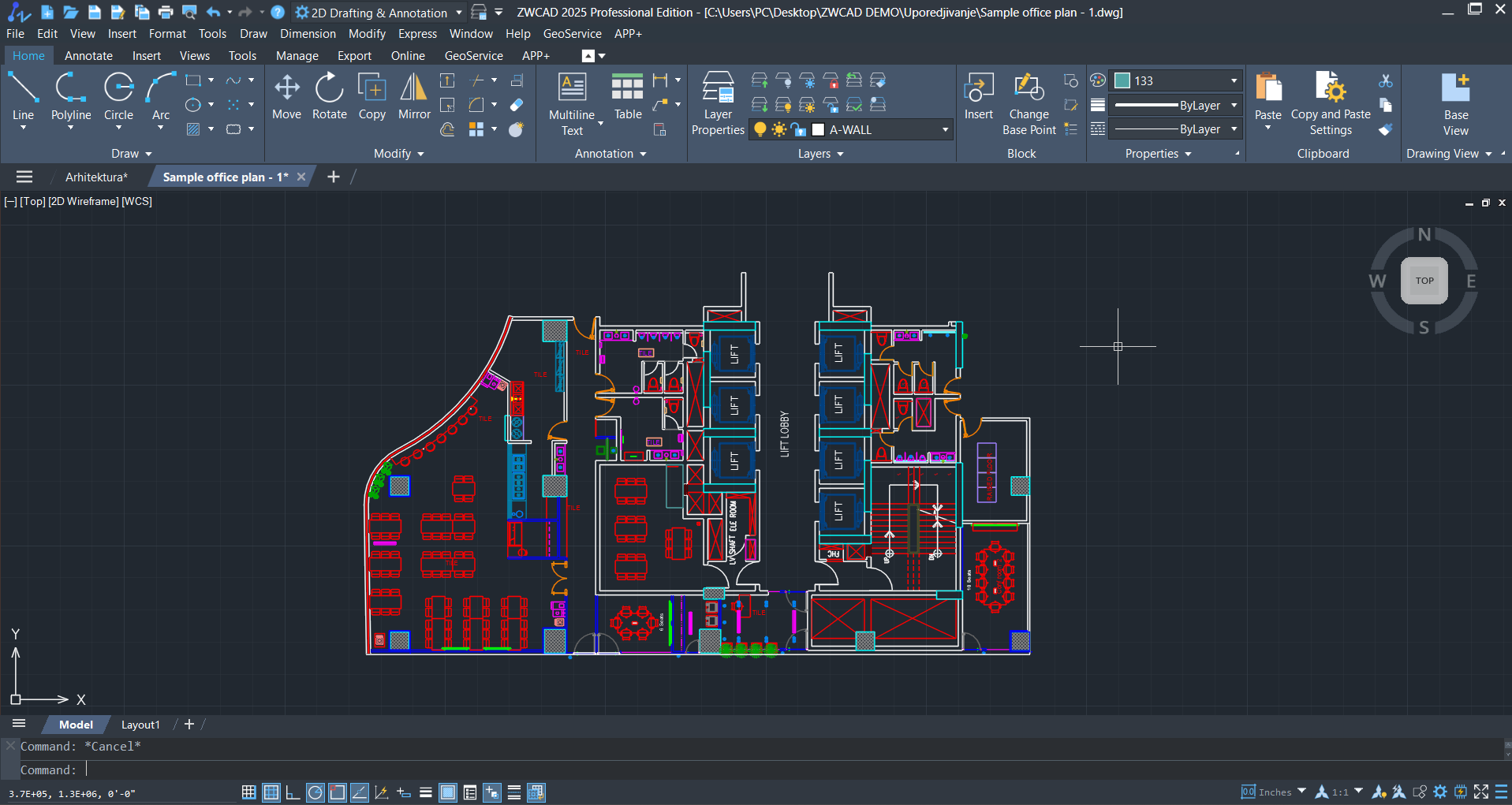
  • ZWCAD streamlines the drafting, editing, and documentation of construction plans—including architectural, structural, and MEP drawings.

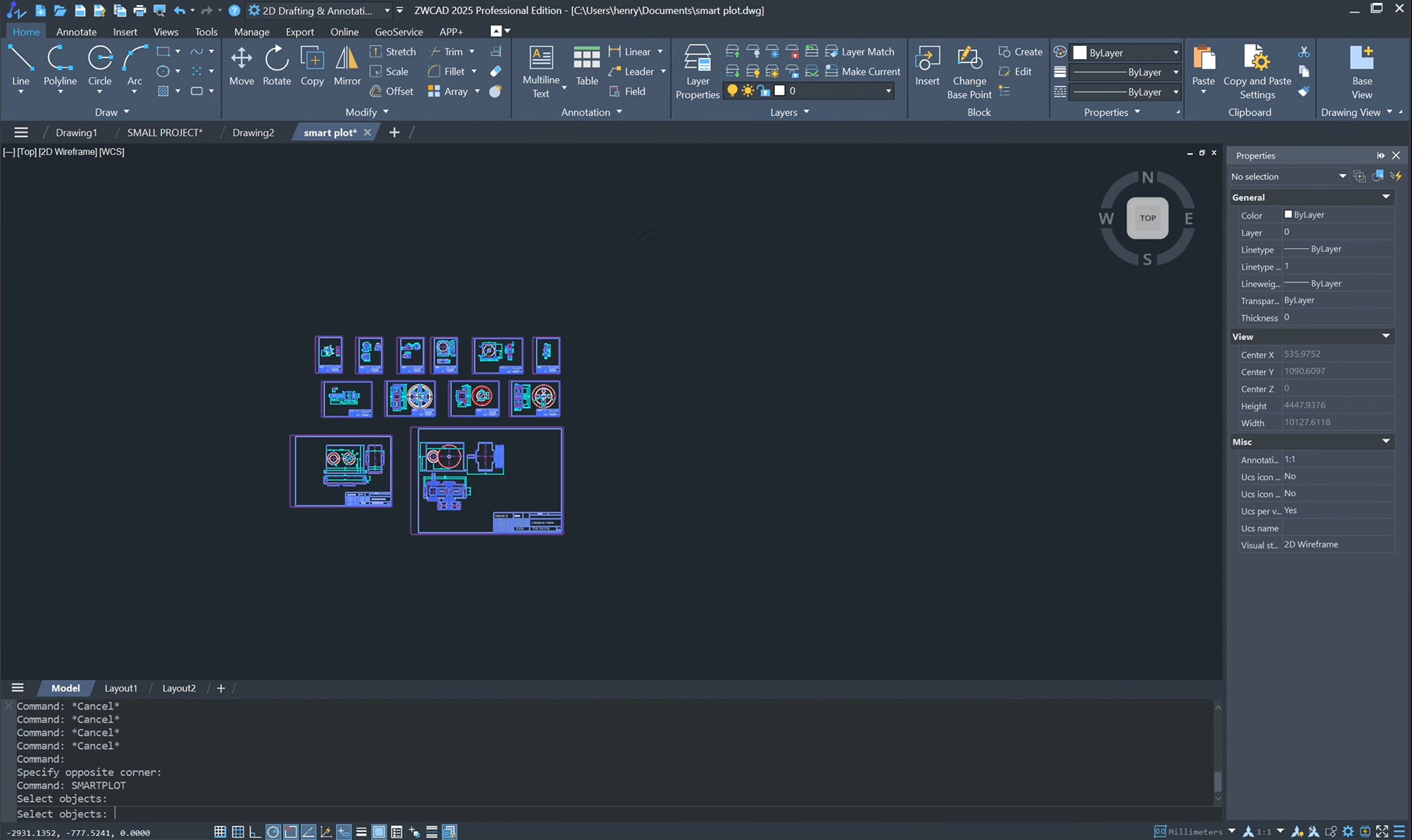
  • Tools for accurate dimensioning, automated table generation, advanced layer management, and referencing boost design speed and accuracy.

Technical Documentation:

  • Automated schemes, standardized detail templates, and legends accelerate the preparation of documentation.

  • DWG/DXF export without data loss simplifies communication with contractors and stakeholders working on different CAD platforms.

Collaboration and Data Exchange:

  • ZWCAD supports team-based workflows via cloud solutions or local servers, offering robust access control and version management.

  • Versioning tools prevent data loss and make it easy to track changes throughout the project lifecycle.

Key Benefits of ZWCAD Compared to Traditional Solutions

  1. Performance and Workflow Optimization:
    ZWCAD is renowned for its rapid installation, low resource consumption, and overall stability, making it suitable for use on less powerful hardware—an important factor for mobile teams and field offices.

  2. Intuitive User Experience:
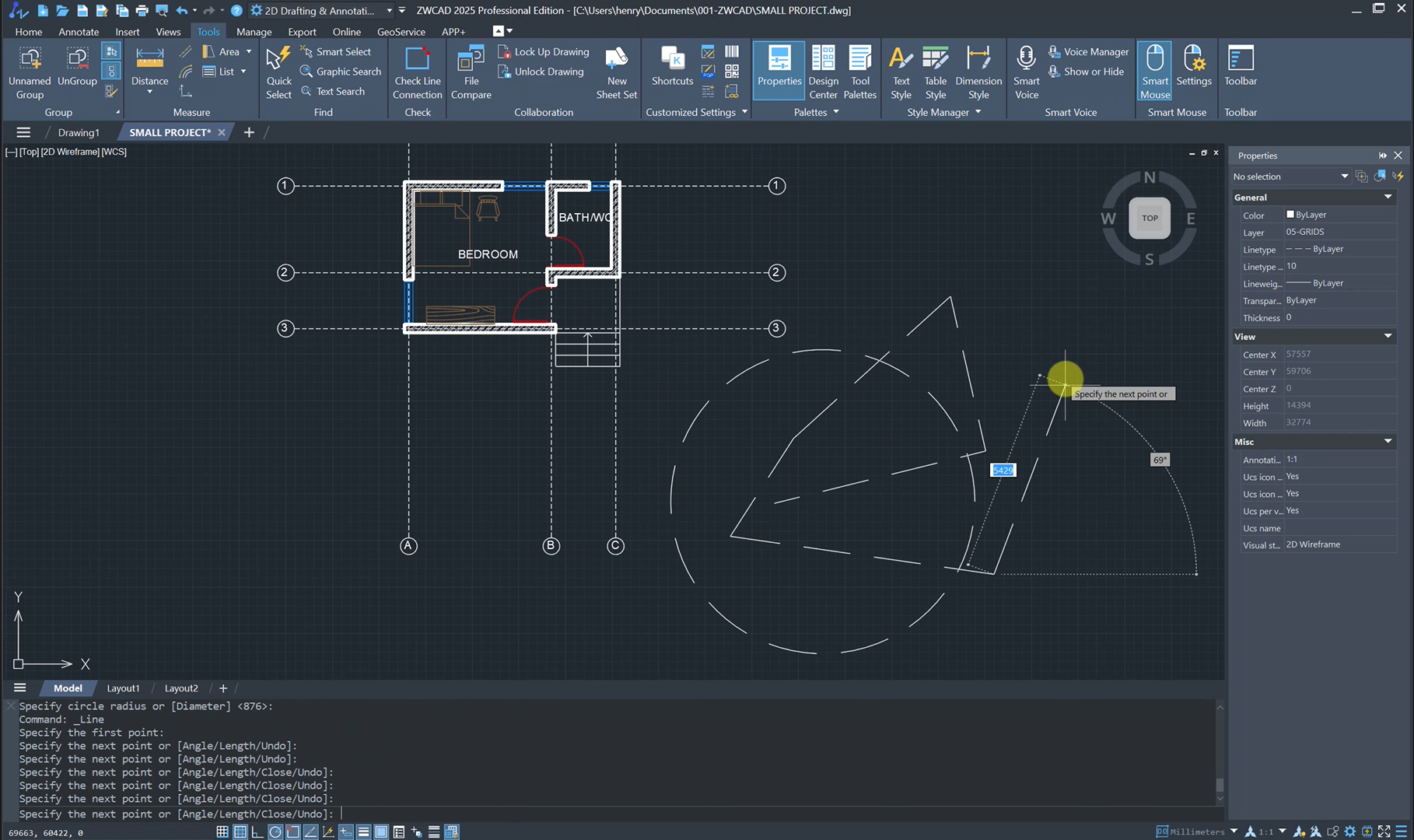
    With an interface almost identical to AutoCAD (classic and ribbon options), ZWCAD requires virtually no retraining, allowing for a smooth transition.

  3. Industry-Standard Compatibility:
    The DWG/DXF format is the gold standard in construction design. ZWCAD supports all current versions, ensuring seamless data exchange without the need for conversions or risk of metadata loss.

  4. Lower Total Cost of Ownership:
    Perpetual licensing empowers company owners to plan long-term software costs, while subscription models are significantly more affordable compared to AutoCAD. Maintenance and support are available locally and are highly accessible.

Side-by-Side Analysis: ZWCAD vs. AutoCAD in Construction Practice

Criteria ZWCAD AutoCAD
Compatibility 100% DWG/DXF 100% DWG/DXF
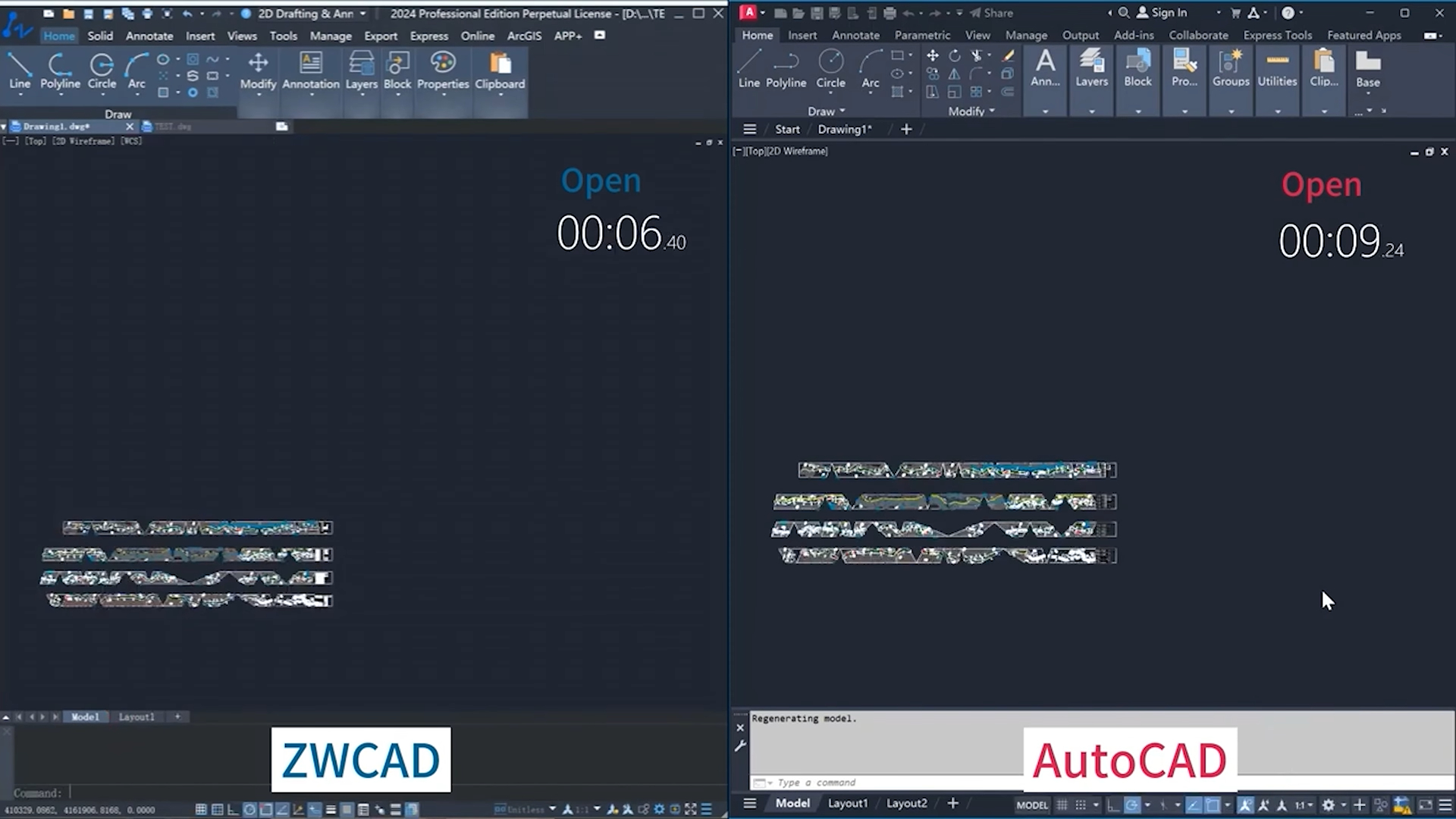
Performance Very fast, optimized engine Reliable but more resource-intensive
Hardware Requirements Low Moderate/High
Licensing Perpetual or subscription Subscription only
License Cost (2025) €799–€1599 (one-time fee) ~€1,900/year (subscription)
Local Language Support Yes Limited
Migration from AutoCAD Seamless, familiar interface N/A
Plugins & Extensions Extensive catalog Extensive ecosystem
User Training Minimal due to familiar UI Required for new features

Case Study Highlights:

  • Construction firms across Central and Eastern Europe report up to 70% cost savings on software and maintenance after switching to ZWCAD, with no loss in the quality of their design documentation.

  • Engineers highlight the speed at which large DWG files open and run, which is critical for complex construction projects.

Day-to-Day Use in the Construction Environment

Using ZWCAD in Practice:

  • Design teams rely on ZWCAD for developing comprehensive construction documents, including architectural, reinforced concrete, and shop drawings.

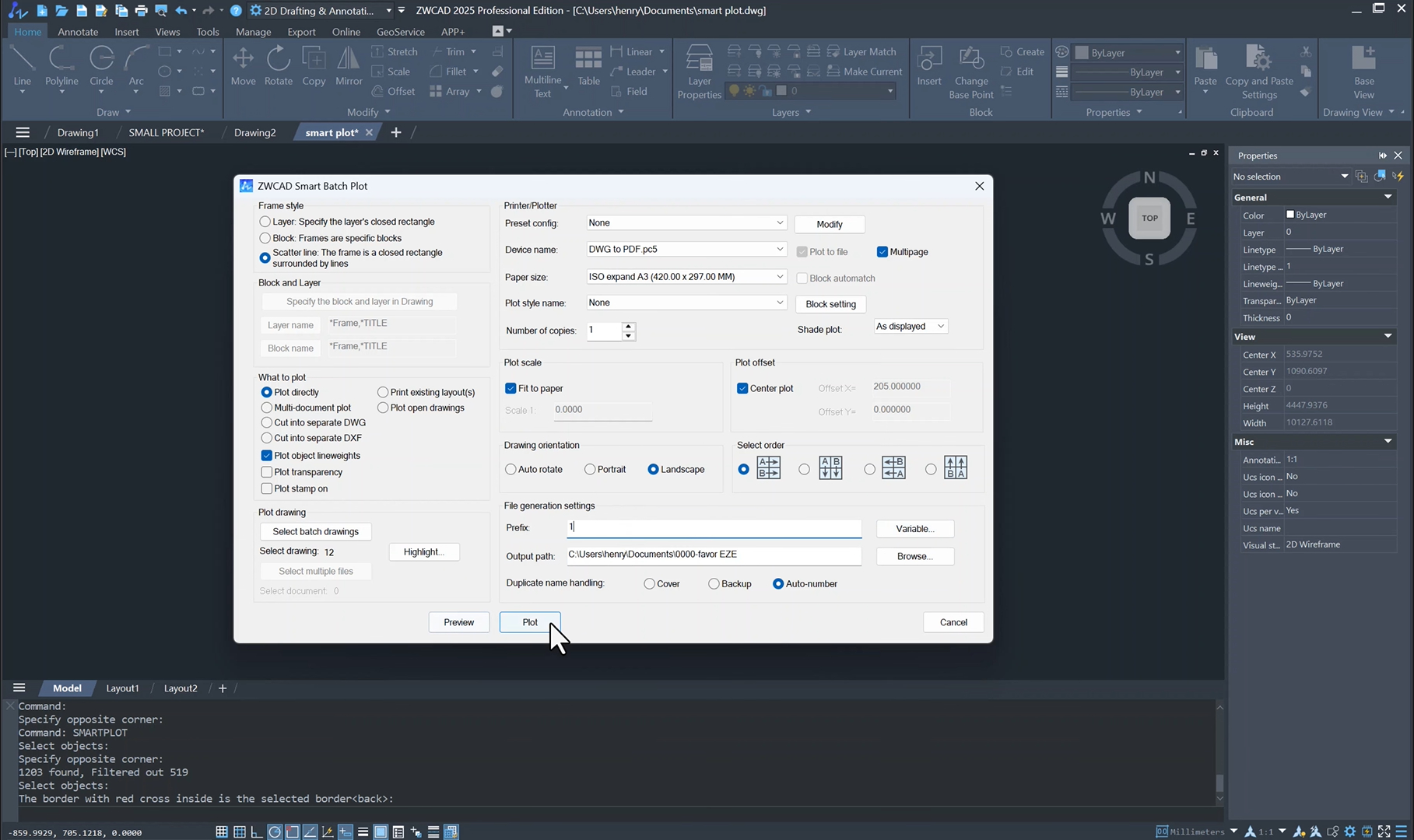
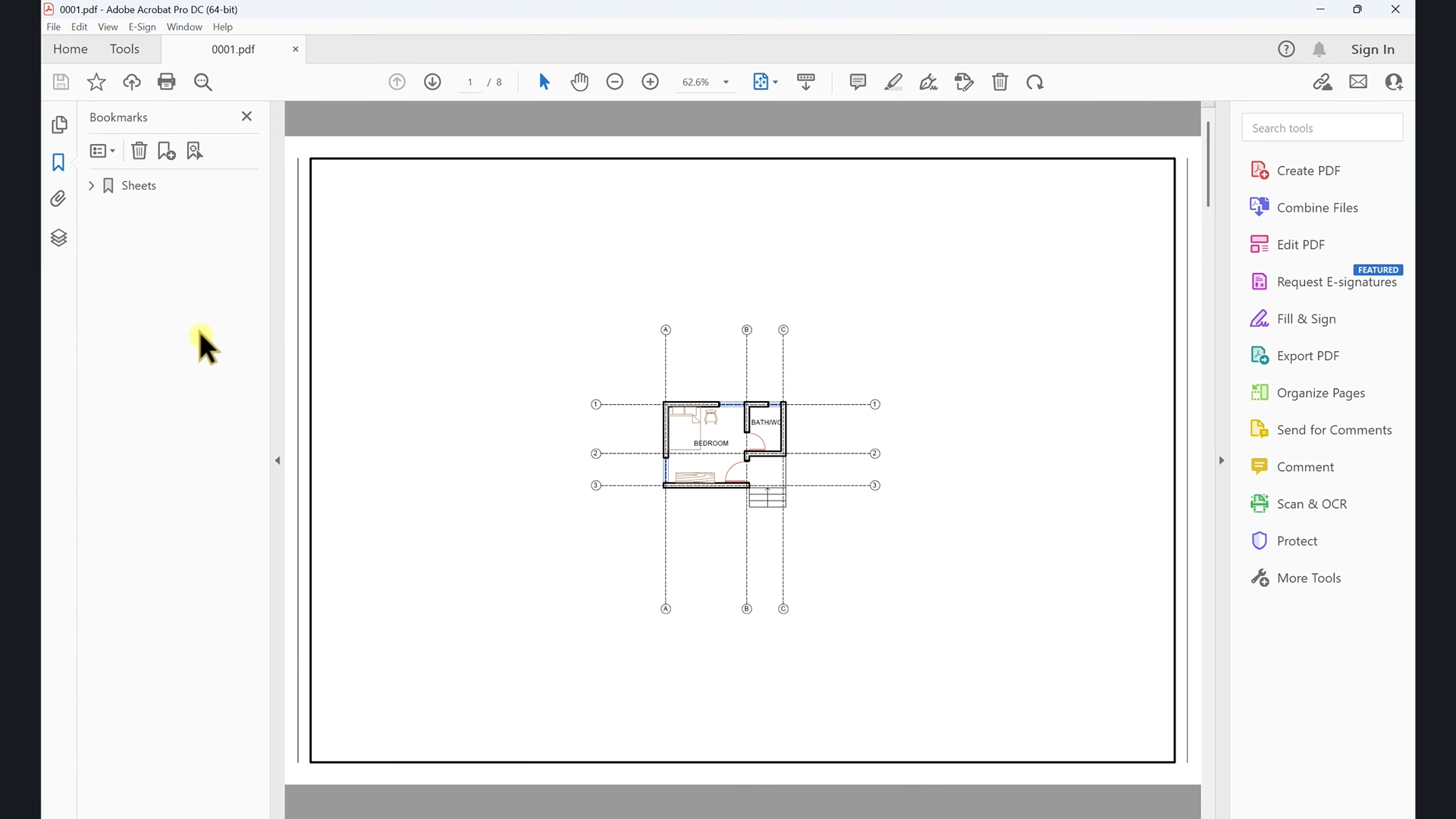
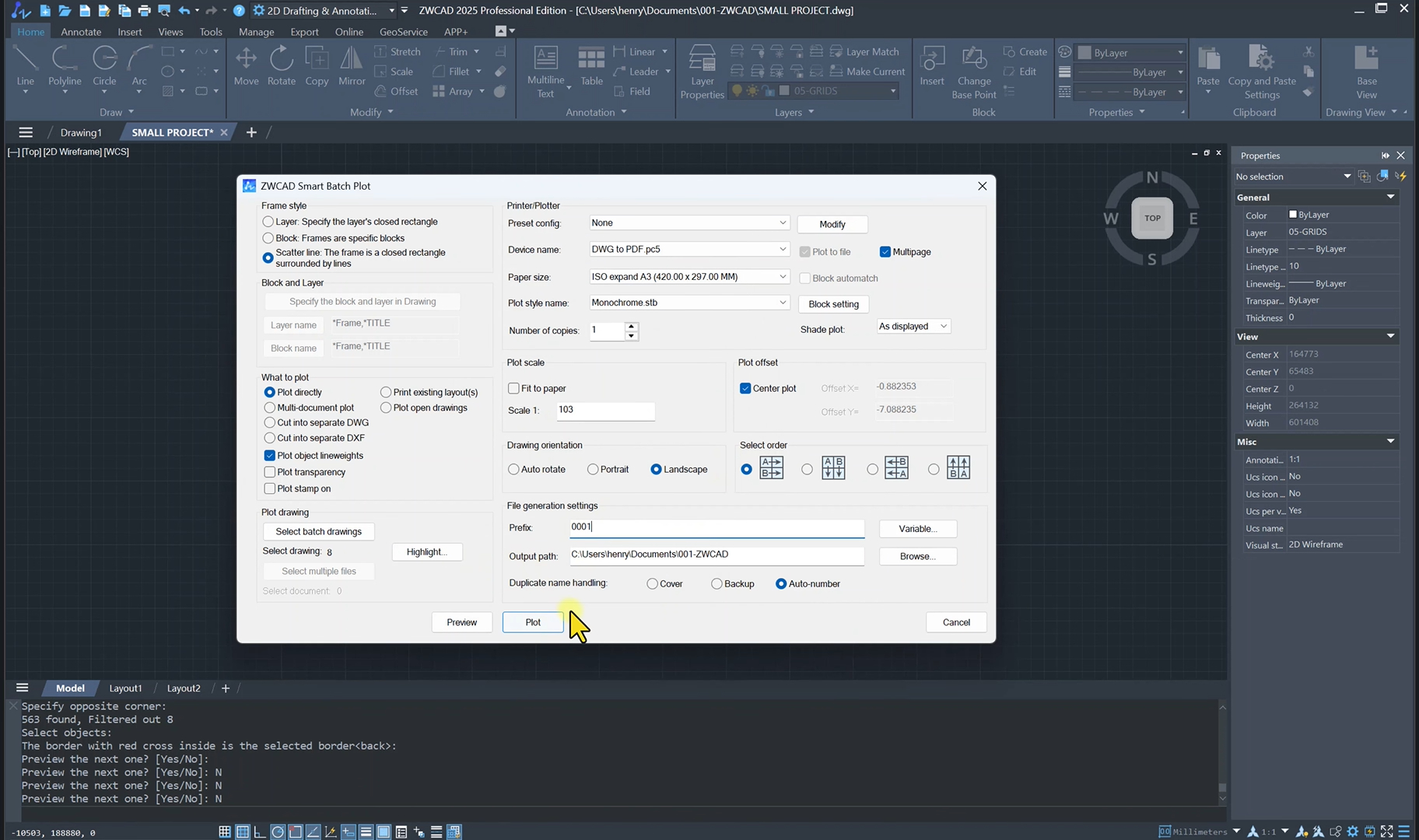
  • Field teams utilize PDF exports and 3D visualization to streamline communication with project managers and investors.

  • Integration with BIM tools (such as Revit or ArchiCAD via IFC) ensures a seamless digital workflow, while ERP synchronization enables real-time tracking of project costs.

Conclusion & Recommendations

ZWCAD is a highly cost-effective and professional alternative to AutoCAD for construction firms of all sizes—especially those looking to reduce software expenses without compromising on speed, quality, or reliability in the design process.

When to Choose ZWCAD:

  • When licensing and maintenance costs are a critical business consideration

  • When full compatibility with DWG/DXF standards is non-negotiable

  • When quick, easy onboarding for teams is essential to maintaining productivity

When AutoCAD Might Be the Better Fit:

  • If your company relies heavily on specialized AutoCAD plugins or industry-specific extensions not available on ZWCAD

  • If all your projects are deeply integrated into the Autodesk ecosystem (BIM 360, Revit, etc.)

Future Trends:

  • Increasing adoption of hybrid solutions (ZWCAD for the majority of users, AutoCAD for niche, expert needs)

  • Growth of open-source and cloud-based CAD platforms

  • Integration of AI-powered features to accelerate design and automate error detection

For a comprehensive overview of ZWCAD’s features and to discover how this software can transform your construction projects, visit the official page:
https://plmdynamics.net/zwcad/

Related post

SCS Scales Custom Machine Production with ZW3D’s Standardized Solutions
Blog

Practical lessons for small engineering teams

How SCS Machinery Optimized Production with ZW3D Software:Actionable Insights for Small Engineering Teams Why Choosing the Right Engineering Software Matters As an engineer with years of experience in digitalizing manufacturing processes, I’m often asked, “How can a small team deliver

Read More »
Software

How To Choose PLM Solution for Your Company

How To Choose PLM Solution for Your Company We are living in an age where innovations must be incorporated into the business strategies and all its processes and aspects regularly to make their way to success stable and uninterrupted. When

Read More »
Windchill

Benefits of Windchill PLM Consulting

Benefits of Windchill PLM Consulting Any serious manufacturing company will adopt tech solutions that could improve their product and ensure its rapid placement on the market. Besides the solid revenue and personal satisfaction that undoubtedly come when the product gets

Read More »
News

PLM Latest Trends

PLM Latest Trends We are constantly surrounded by technology. It affects the way we live and the way we work. So it is inevitable to embrace it and use the best of it. Yet, it can be very challenging to

Read More »
Automotive

PLM Implementation in Automotive Industry

PLM Implementation in Automotive Industry Due to constant changes, the automotive industry, just like every other, has to be ready to respond to new market requirements and deliver new and more quality products faster. That is when PLM steps into

Read More »